Kaffelogic Nano 7 roasting software with inventory tracking.
Rostoc supports Kaffelogic Nano 7 live roast logging for supported USB serial setups and connects sample roasts to green coffee inventory, lots, roast plans, batches, and roastery records. Kaffelogic owners can search for Kaffelogic directly in the Rostoc catalog, select Nano 7, and validate the USB setup before recording.
Updated June 24, 2026 | Rostoc
Direct Answer
Yes. Rostoc supports Kaffelogic Nano 7 for live roast logging on supported USB serial setups.
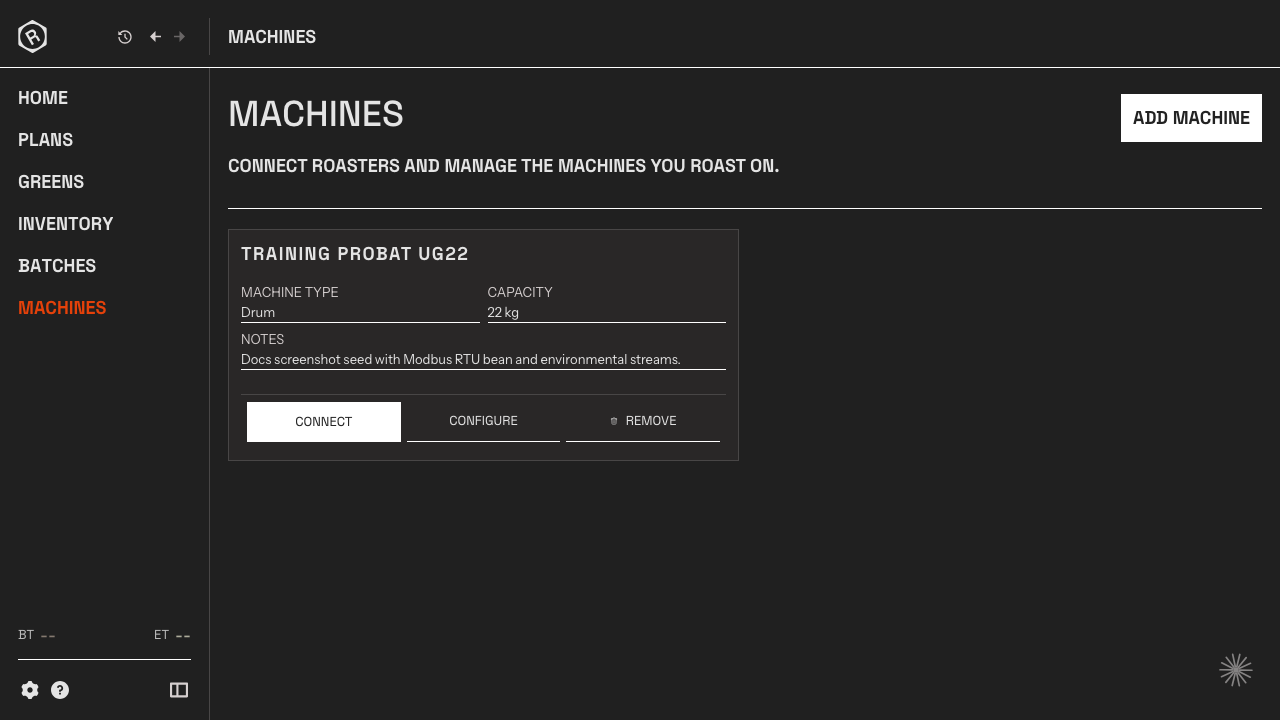
Kaffelogic Nano 7 appears as its own supported catalog entry, setup guide, and integration page in Rostoc. Users can search for Kaffelogic directly, add the Nano 7 entry, connect over USB, and run a short test roast before relying on the workflow.
- Use Kaffelogic Nano 7 as a sample or benchtop roaster in Rostoc.
- Capture live roast data from supported Kaffelogic USB serial setups.
- Connect small roasts to green coffee lots and inventory context.
- Keep sample-roast evidence available when deciding whether to buy, profile, or produce a coffee.
Why The Kaffelogic Entry Matters
A roaster searching for Kaffelogic Nano 7 should see a Kaffelogic result in the machine catalog, setup docs, and integration pages. That is why Kaffelogic has its own Rostoc support surface.
Rostoc treats support as model-specific. The Kaffelogic Nano 7 row has its own brand, model, capacity, support status, and setup guidance, so support conversations can stay focused on the machine the user actually owns.
The practical setup path is straightforward: choose Kaffelogic Nano 7, connect over USB, run a short test roast, then keep the resulting record tied to inventory and sample decisions.
Kaffelogic Studio And Rostoc
Kaffelogic Studio remains useful for native Kaffelogic workflows such as profiles, machine-specific operation, firmware, and reviewing the roaster-native log.
Rostoc is useful when the roast record needs to become part of the roastery workflow. That means knowing which green lot was sampled, how much coffee was used, what roast data was captured, and whether the sample led to a purchase decision, production roast, or profile adjustment.
| Workflow | Best fit | Why it matters |
|---|---|---|
| Kaffelogic Studio | Native Kaffelogic profile and machine workflows | Keeps the Nano workflow close to the roaster and its profile system. |
| Rostoc | Inventory-connected sample roasting and roastery records | Connects the roast to green lots, stock movement, plans, batches, and decisions. |
| Spreadsheet or notebook | Temporary notes when the process is still informal | Easy to start, but inventory, curves, cupping notes, and production decisions can drift apart. |
Setup Requirements
Before relying on Kaffelogic support in any roasting software, confirm the exact device, cable, operating system, and workflow you want to use. Machine support should be treated as setup-specific, especially when the roaster is part of a daily sample-roasting or quality-control workflow.
If you are evaluating Rostoc for Kaffelogic Nano 7 roasting, start with this integration page, then check the Kaffelogic setup guide, machine support, and green coffee inventory workflow.
- Confirm the Kaffelogic Nano 7 hardware and firmware setup.
- Use a data-capable USB cable and the expected USB serial connection path.
- Close Kaffelogic Studio and other roasting software while testing Rostoc.
- Run a short sample roast and compare the logged values with what the roaster shows.
- Attach the roast to the correct green lot so sample usage and tasting decisions stay traceable.
Source Notes
Kaffelogic describes Nano 7 as a benchtop roaster with Kaffelogic Studio for profiles and live roast workflows: Kaffelogic product page and Kaffelogic Studio.
Kaffelogic lists its factory in Dunedin, New Zealand on the contact and support page: Kaffelogic contact.
FAQ
Does Rostoc support Kaffelogic Nano 7?
Yes. Rostoc supports Kaffelogic Nano 7 live roast logging for supported USB serial setups.
Is Kaffelogic Nano 7 an official Rostoc machine entry?
Yes. Kaffelogic Nano 7 is listed as its own supported machine entry in the Rostoc catalog and has its own setup guide.
Can Rostoc track inventory for Kaffelogic sample roasting?
Yes. Rostoc can connect Kaffelogic sample roasts to green coffee inventory, lots, roast plans, batches, and roastery records so sample usage and decisions do not live only in notes or spreadsheets.
Does Rostoc replace Kaffelogic Studio?
Not necessarily. Kaffelogic Studio remains useful for native profile and machine workflows. Rostoc is useful when the sample roast should also be connected to inventory, lots, batches, roast plans, and production decisions.
What Kaffelogic data does Rostoc use?
Rostoc focuses on live roast logging for supported Kaffelogic Nano 7 setups, including bean temperature and fan speed, and connects the resulting roast record to inventory and roastery workflow context.