Welcome to Rostoc
Professional coffee roasting software that connects to your machine, records every roast, and helps you improve with every batch.
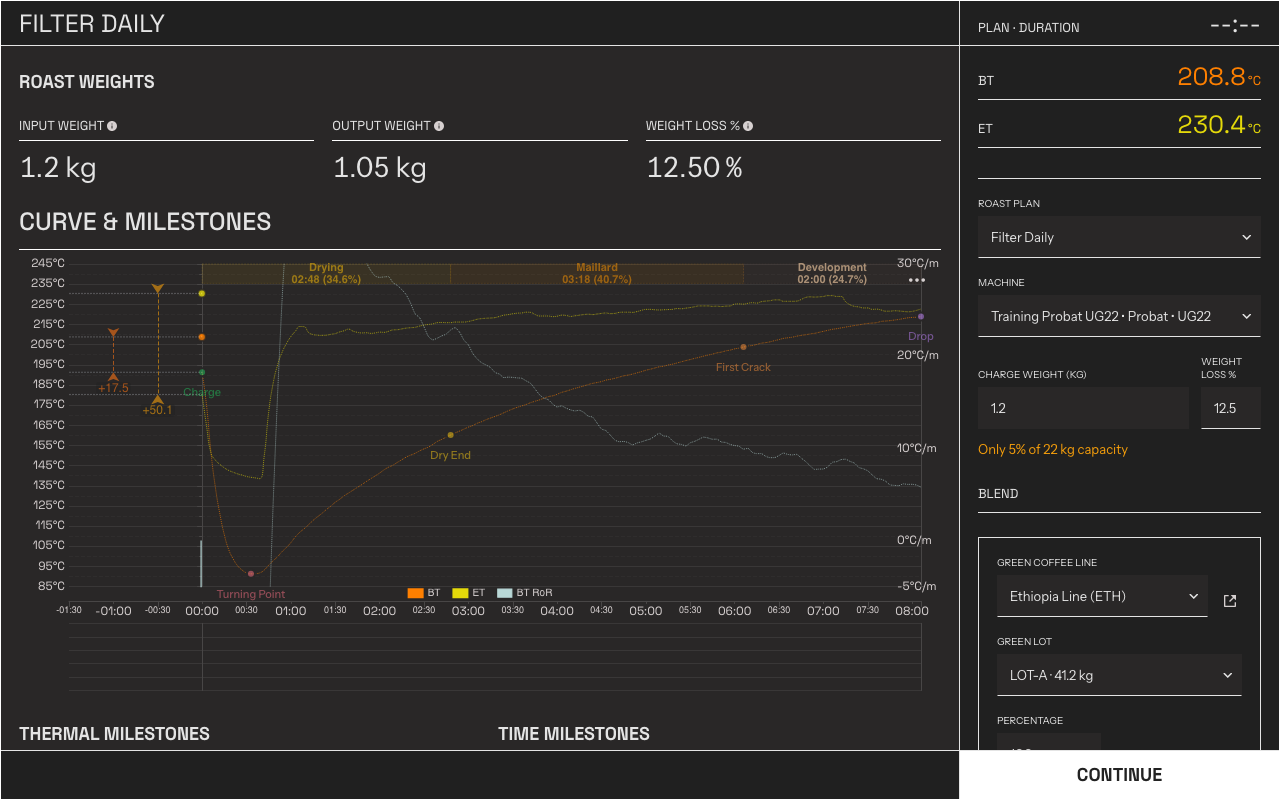
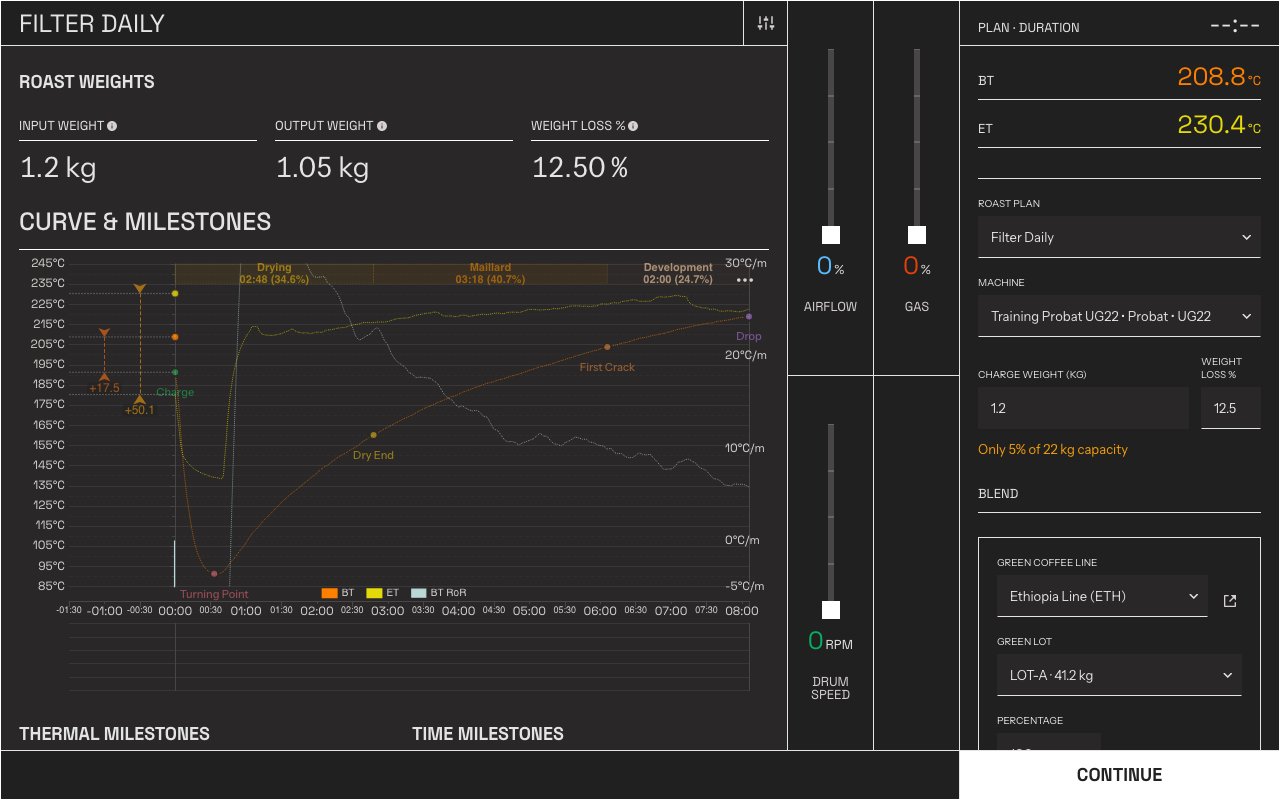
Roast Studio, where you record a Batch in real time — confirm the Plan, Machine, and charge weight, then roast.
Get started
Section titled “Get started”New to Rostoc? Learn the vocabulary, then connect your machine.
Set up RostocThe two setup screens, the Get started checklist, and the sample data you can remove.
Key ConceptsMachines, Plans, Batches, and Curves — the terms the rest of the docs build on.
Add Your First MachineConnect your roasting machine to Rostoc and start reading live data.
Switching to Rostoc
Section titled “Switching to Rostoc”Bring your machine setup and roast history with you.
Switch from ArtisanImport your Artisan settings file and roast history.
Switch from CropsterMove your Cropster roast data into Rostoc.
Connect your roaster
Section titled “Connect your roaster”Machine CompatibilityCheck the support status for your make and model.
Setup HelpStep-by-step connection guides for each brand and connection type.
Troubleshooting ConnectionsWhat to check when Rostoc cannot reach your Machine.
Having trouble connecting?No readings, a failing connection test, or a Machine that worked yesterday and stopped — start here.
Using Rostoc
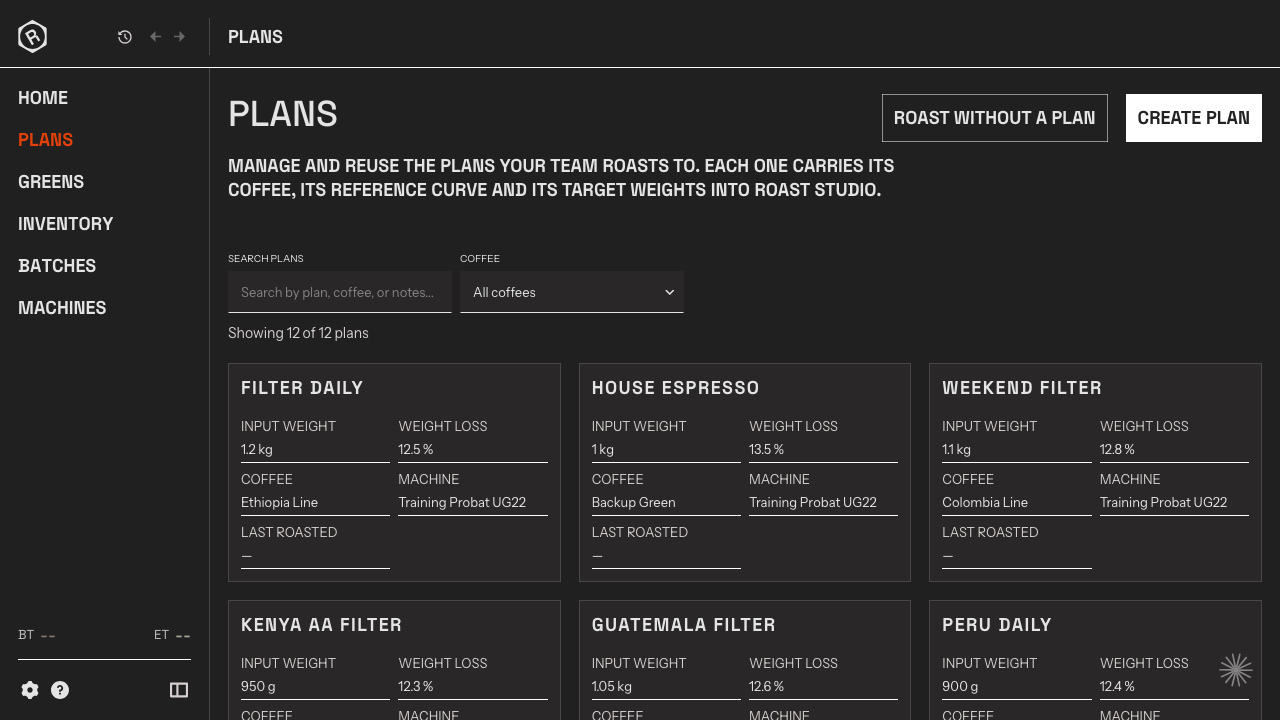
Section titled “Using Rostoc”HomeWhat needs you today, the Plans you can start now, and everything you have roasted.
Roast StudioRecord a Batch in real time, mark milestones, and log machine changes.
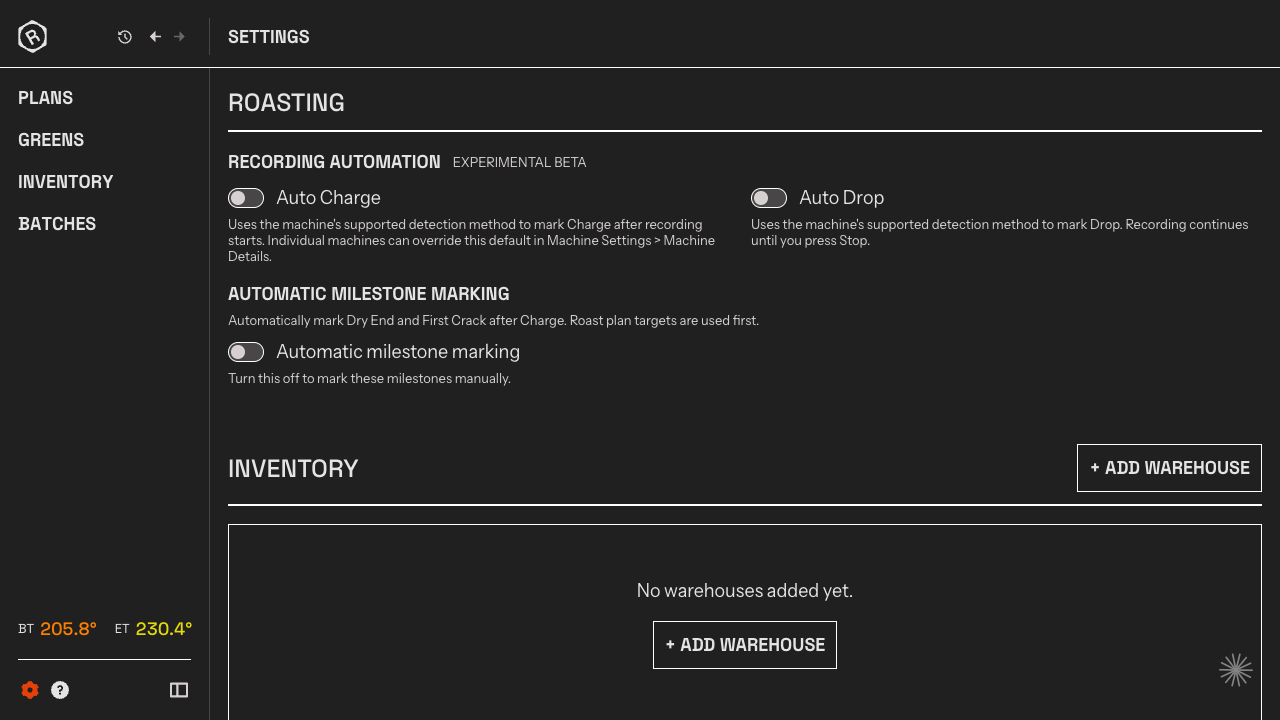
Roast AutomationLet Rostoc detect Charge, Dry End, First Crack, and Drop for you.
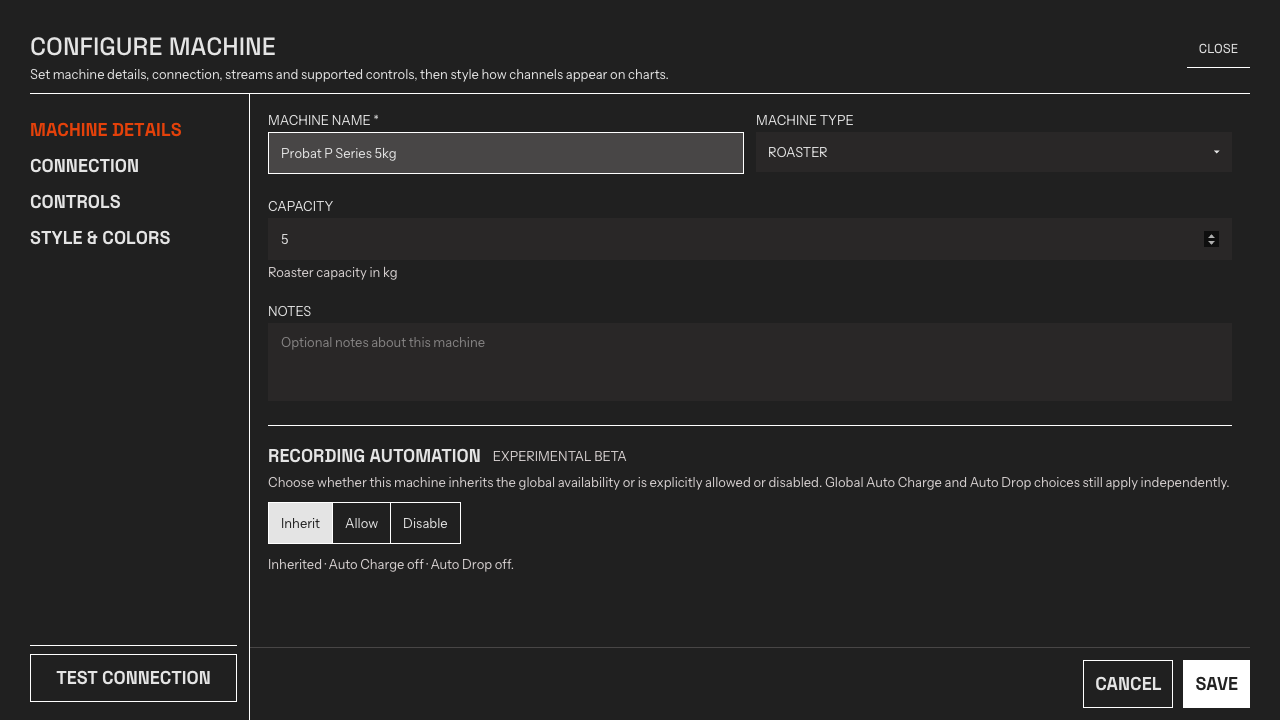
Manage MachinesAdd, configure, and connect the Machines you roast on.
A look inside Rostoc
Section titled “A look inside Rostoc”Click any screen to zoom in — or try the live demo in your browser, no account needed.